Three practical Cloudflare Worker debugging habits
Most production bugs are not mysterious. They are usually one bad assumption combined with incomplete visibility.
When I debug Cloudflare Worker issues, I try to avoid random trial and error. A simple, repeatable flow gets me to root cause faster and with less stress.
1) Isolate one failing path
Do not start with broad changes. Start with one exact request path that fails and keep it stable while you debug.
Useful questions:
- Is it failing only on
POSTbut notGET? - Is it failing only in production, not locally?
- Is it tied to one route or all routes?
- Is it tied to one environment variable or secret?
If you keep changing the input while you investigate, every result becomes ambiguous. Keep the request constant so each experiment gives signal.
2) Add short-lived, high-signal logs
Edge logs can get noisy fast. Add narrow logs around the suspected branch only.
For example:
- route and method
- presence/absence of required env vars (never print secrets)
- upstream status code
- branch choice (
turnstile_failed,resend_missing_key, etc.)
I prefer this style:
console.log('[contact]', {
  method: request.method,
  route: new URL(request.url).pathname,
  hasResendKey: Boolean(env.RESEND_API_KEY),
});
That gives enough context to confirm assumptions without leaking anything sensitive.
3) Verify with a tiny probe script
Instead of repeatedly clicking through the UI, write a minimal command that reproduces the behavior.
curl -i -X POST "https://example.com/api/contact" \
  -H "Content-Type: application/json" \
  -d '{"name":"Test","email":"test@example.com","message":"probe message"}'
A probe helps you:
- reproduce quickly
- compare environments
- keep evidence in terminal history
You can then change exactly one variable at a time: payload shape, headers, or environment configuration.
Bonus: when local behavior drifts
If local dev starts acting inconsistently, reset before digging deeper:
pkill -f "astro dev" || true
pkill -f "npm run dev" || true
rm -rf .astro
npm run dev
This avoids chasing stale-process issues that look like application bugs.
Debugging at the edge is mostly about discipline. Keep inputs fixed, logs focused, and verification repeatable. You will usually find the issue faster than you expect.
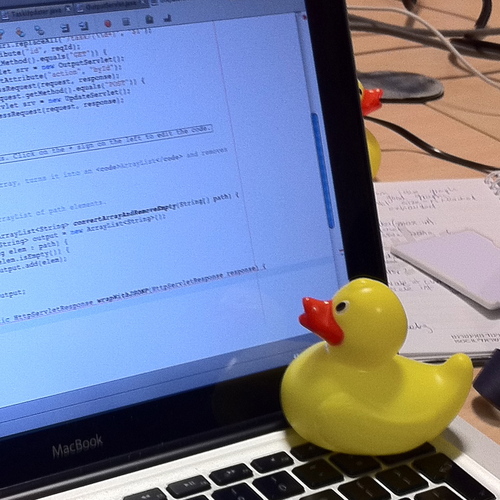
Hero image: Rubber duck assisting with debugging, licensed CC BY-SA 3.0.
